Tutorial for AlphaNet

Tutorial for Primus AlphaNet Campaign
This tutorial gives you a step-by-step walkthrough for users to verify their social identities with zkTLS proofs on the Primus AlphaNet Campaign.
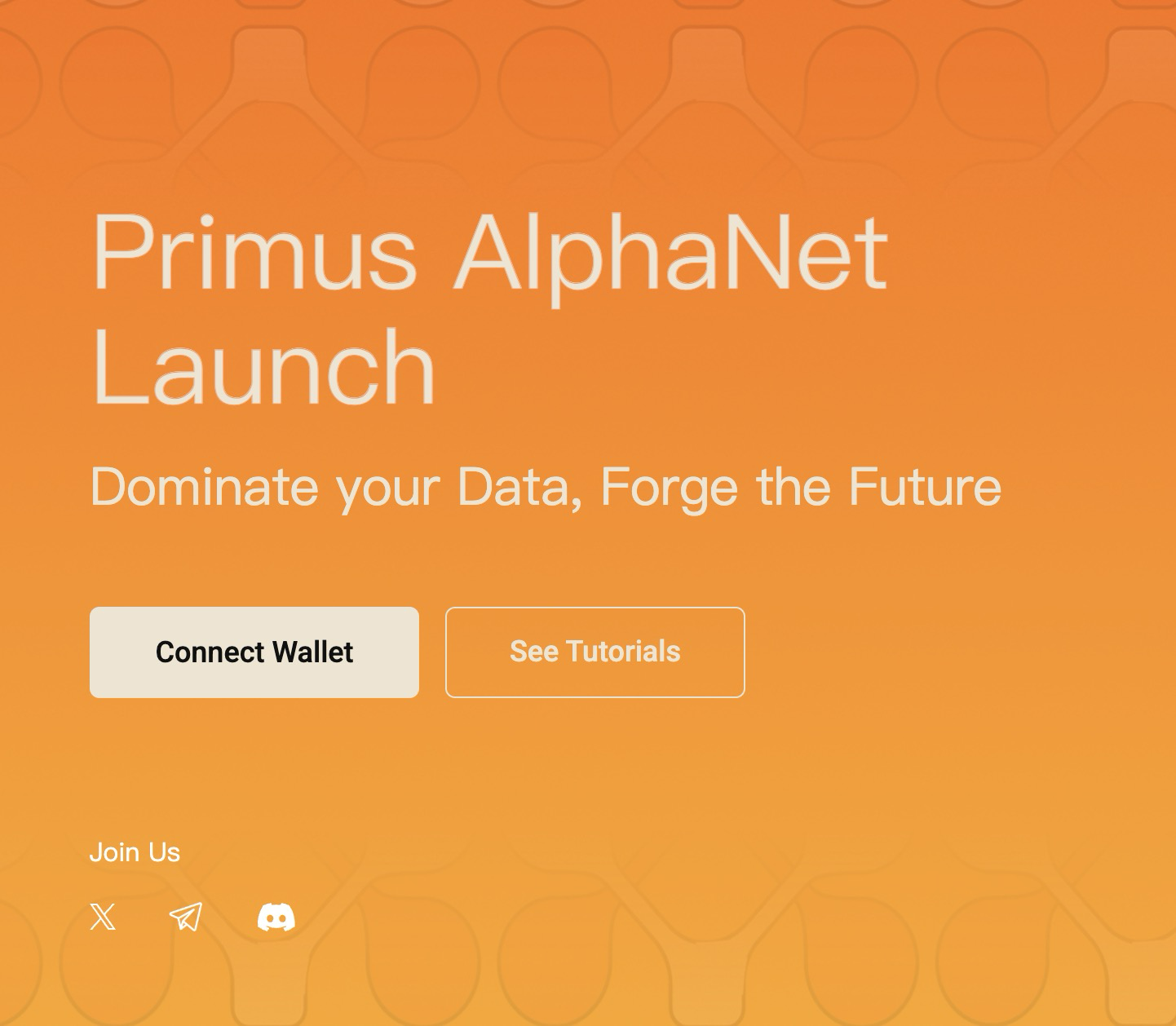
Go to https://app.primuslabs.xyz, open your browser, click the “Connect Wallet” button, and choose a wallet that you use to log into the dapp.
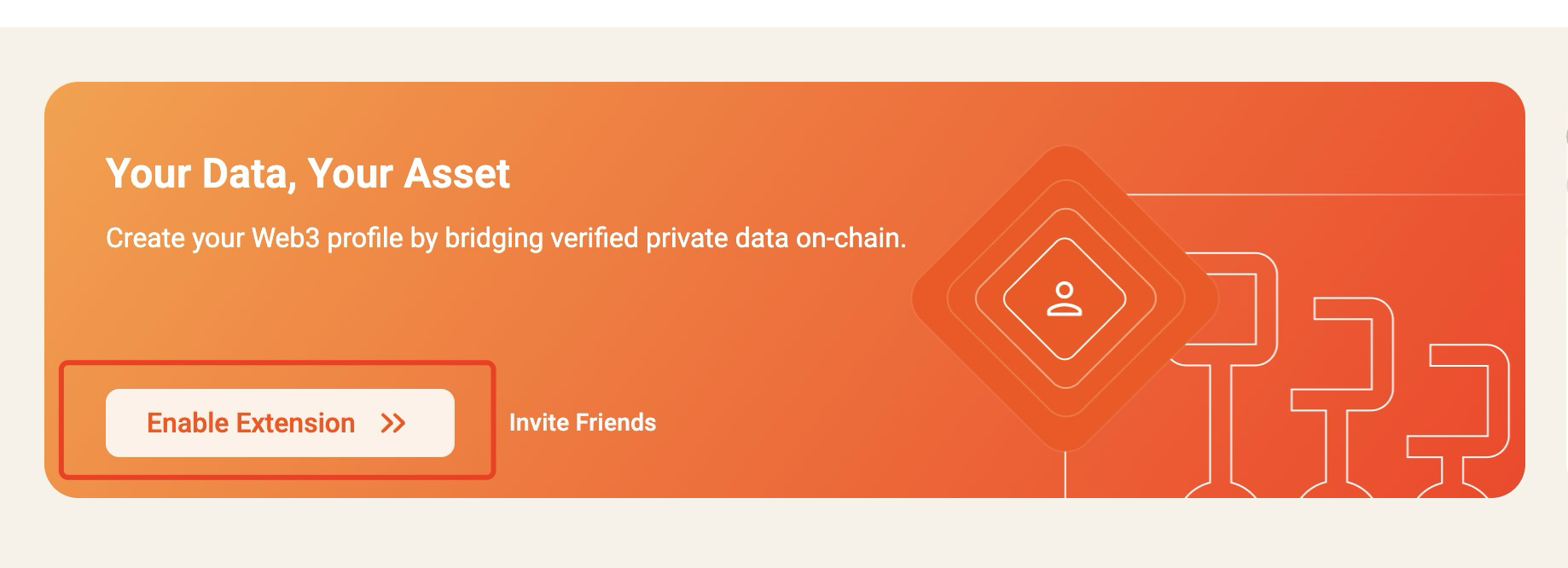
Click the “Enable Extension” button to install the Primus extension from the Chrome Web Store.
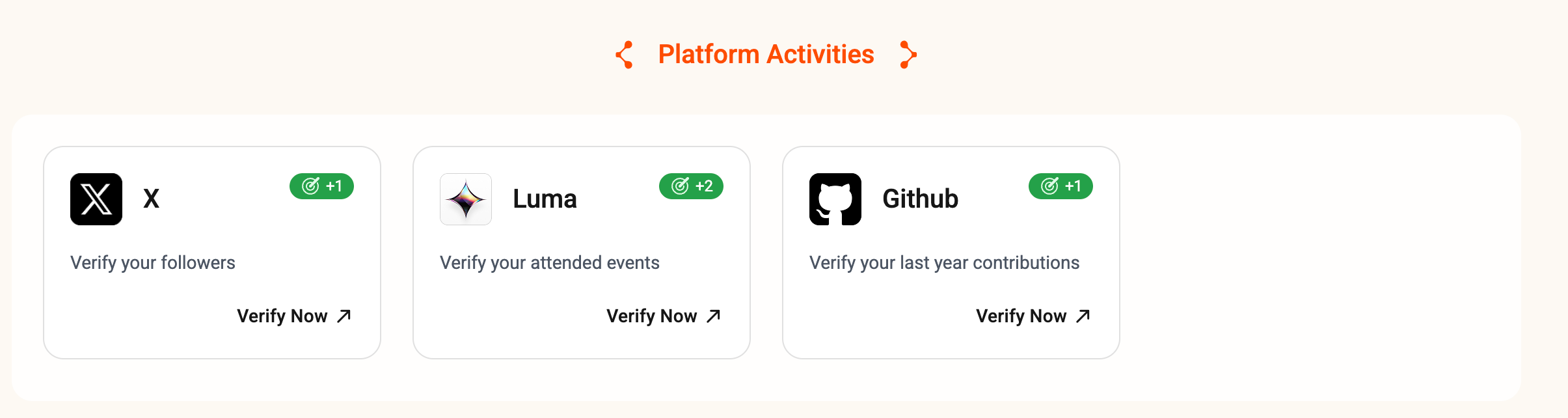
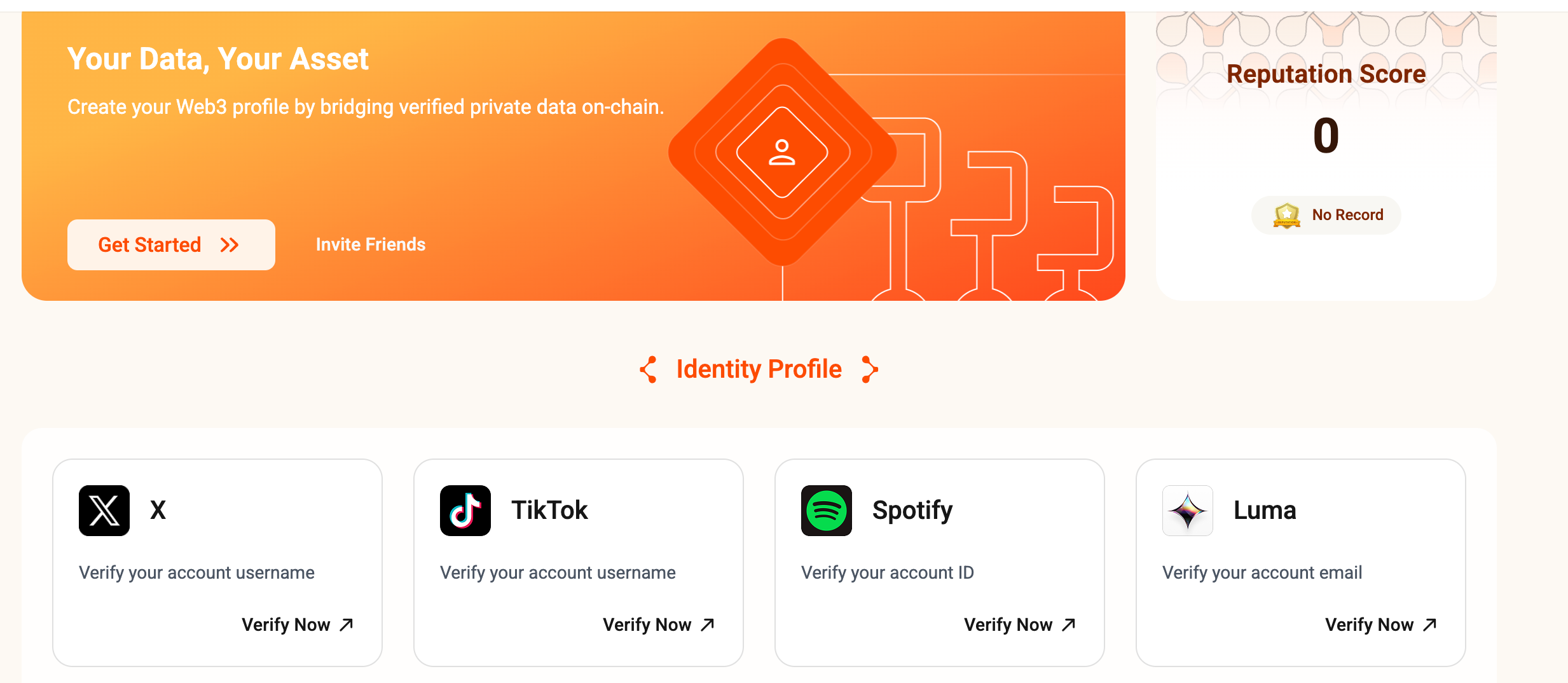
Choose a task (X/TikTok/Github/Luma/Spotify/...), and click the “Verify Now” link to generate your zkTLS proof.
If you select the “X” task, you shall follow the Primus X account (@primus_labs) and repost the tweet before generating your proof.
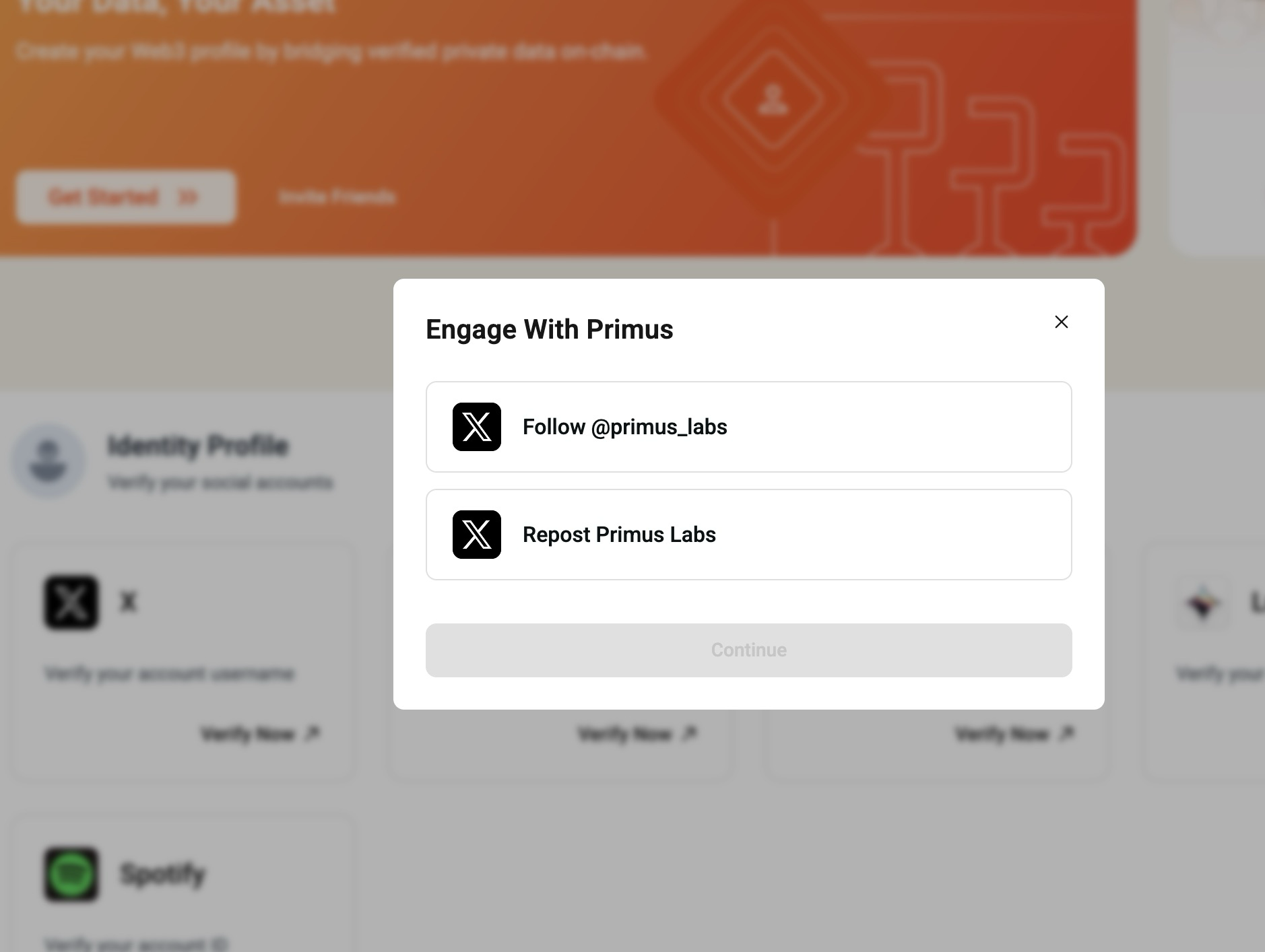
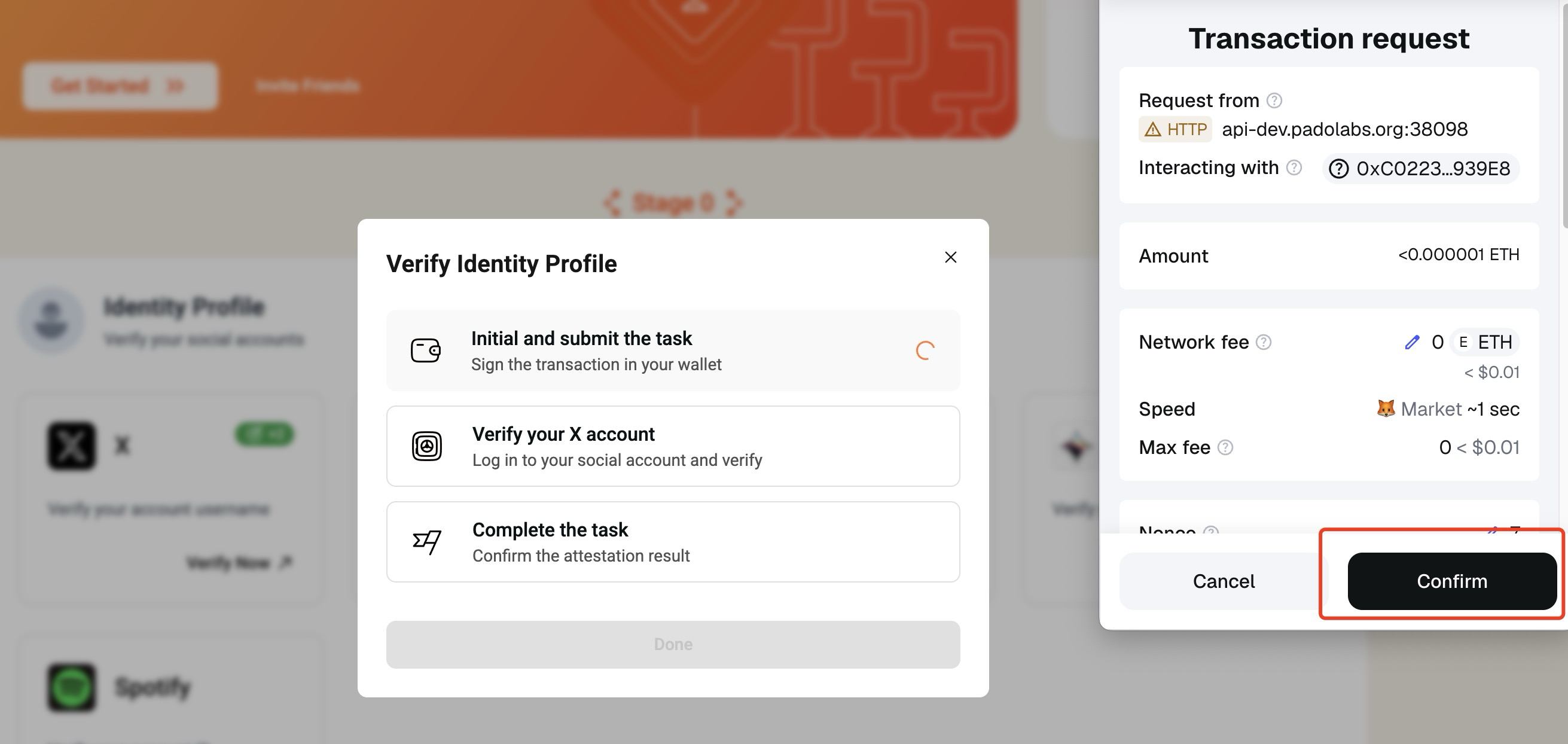
To verify your X profile, you are required to deposit a small amount of $ETH (~0.000035 Base ETH) to pay the Primus Network fee. Note, you also need to pay the gas fee as the proof whill be stored on-chain, which is very minimal on the Base chain for the deposit transaction. If the task fails, the deposited money will be refunded in a short while.
The zkTLS proof will be generated automatically on the X page.
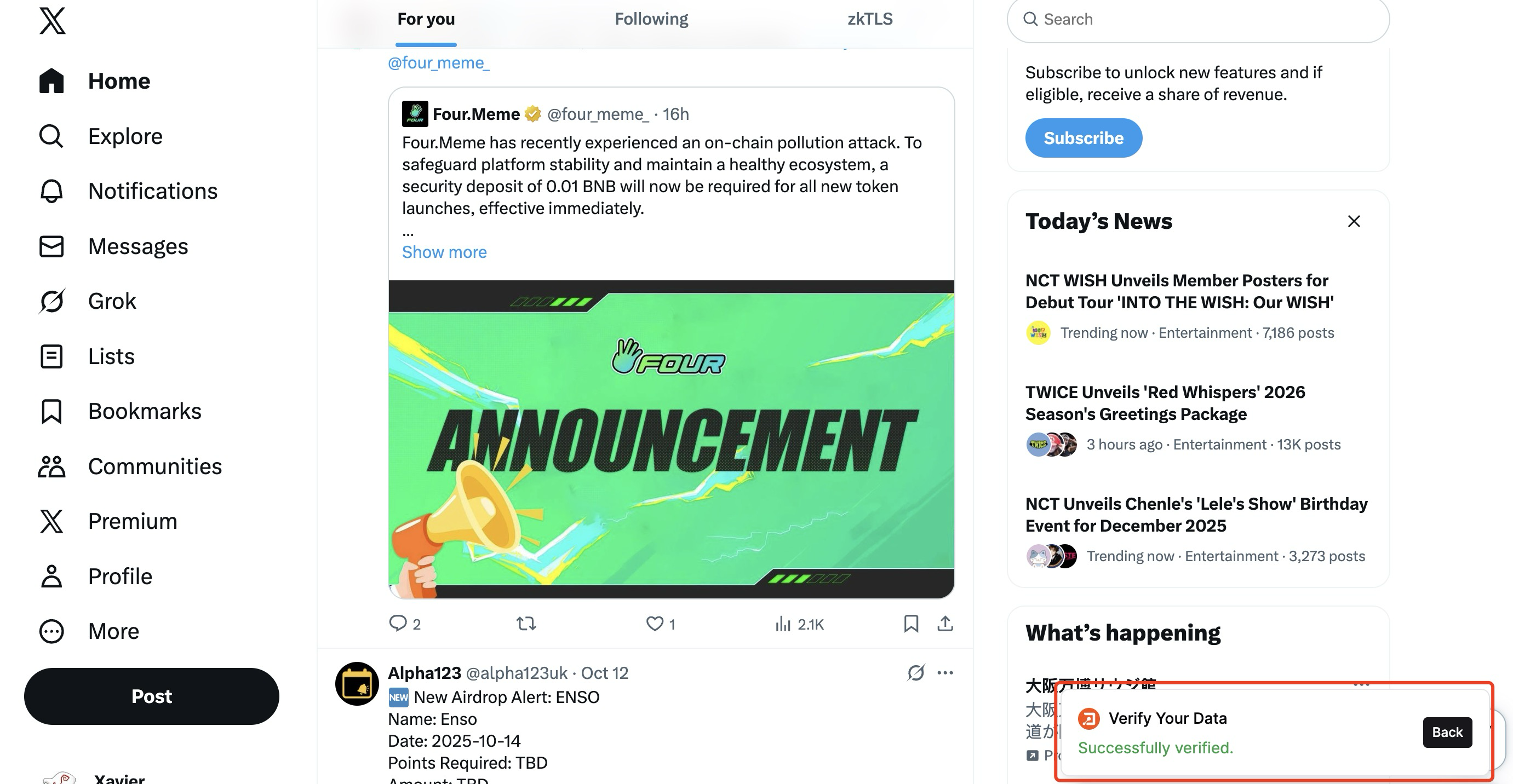
Once the proof is successfully generated, you will find a green icon shown in your X task card, which represents your counted verified X account status.
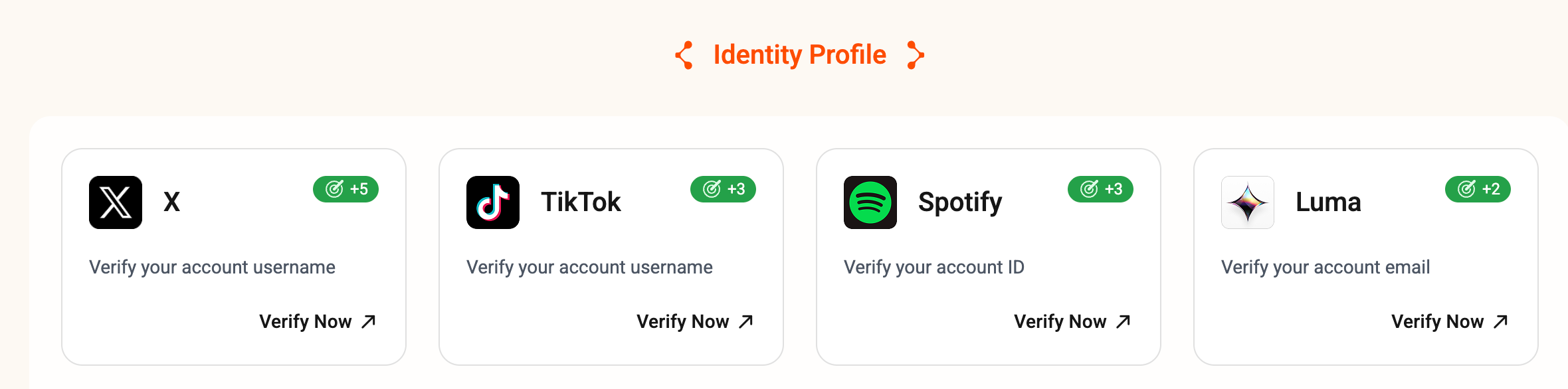
You can further complete the other tasks to prove your social identities and platform activities to gain more reputation scores.